
How to Create a Wayfinding System With PoE Displays
People make snap judgments about a space the moment they walk in. If they can’t figure out where to go, that judgment turns negative fast. Whether it’s a visitor trying to find the right hospital wing, a student navigating a sprawling campus, or a hotel guest looking for the conference center, poor wayfinding creates friction that reflects badly on the organization. A well-designed digital wayfinding system solves this quietly and effectively — and Power over Ethernet displays are one of the best tools for building one. There is a reason this tech is becoming a go-to choice for modern applications.
Why PoE Displays Work So Well for Wayfinding
Traditional display installations require two separate infrastructure runs: one for data, one for power. In a wayfinding context, where screens often need to go in hallways, atriums, elevator banks, and other locations far from standard outlets, that requirement becomes a real obstacle.
A PoE powered display eliminates it. Power and data both travel through a single Ethernet cable, which means screens can go virtually anywhere your network reaches. That opens up placement options that would otherwise require costly electrical work, and it keeps cable management clean in the high-traffic areas where wayfinding displays tend to live.
There are operational advantages too. Because every display connects back to your network, content can be updated centrally and instantly. Rerouting foot traffic during an event, updating a room schedule, or pushing emergency instructions to every screen in a building takes seconds rather than a facilities request.
Mapping Out Your Wayfinding System
Before any hardware goes up, it helps to think through the system as a whole. Here’s a practical framework for getting it right.
1. Identify your decision points. Walk your space and note every moment where a person has to make a navigation choice: building entrances, lobby intersections, elevator lobbies, stairwells, corridor splits. These are your primary display locations. A good wayfinding system catches people at every fork, not just the front door.
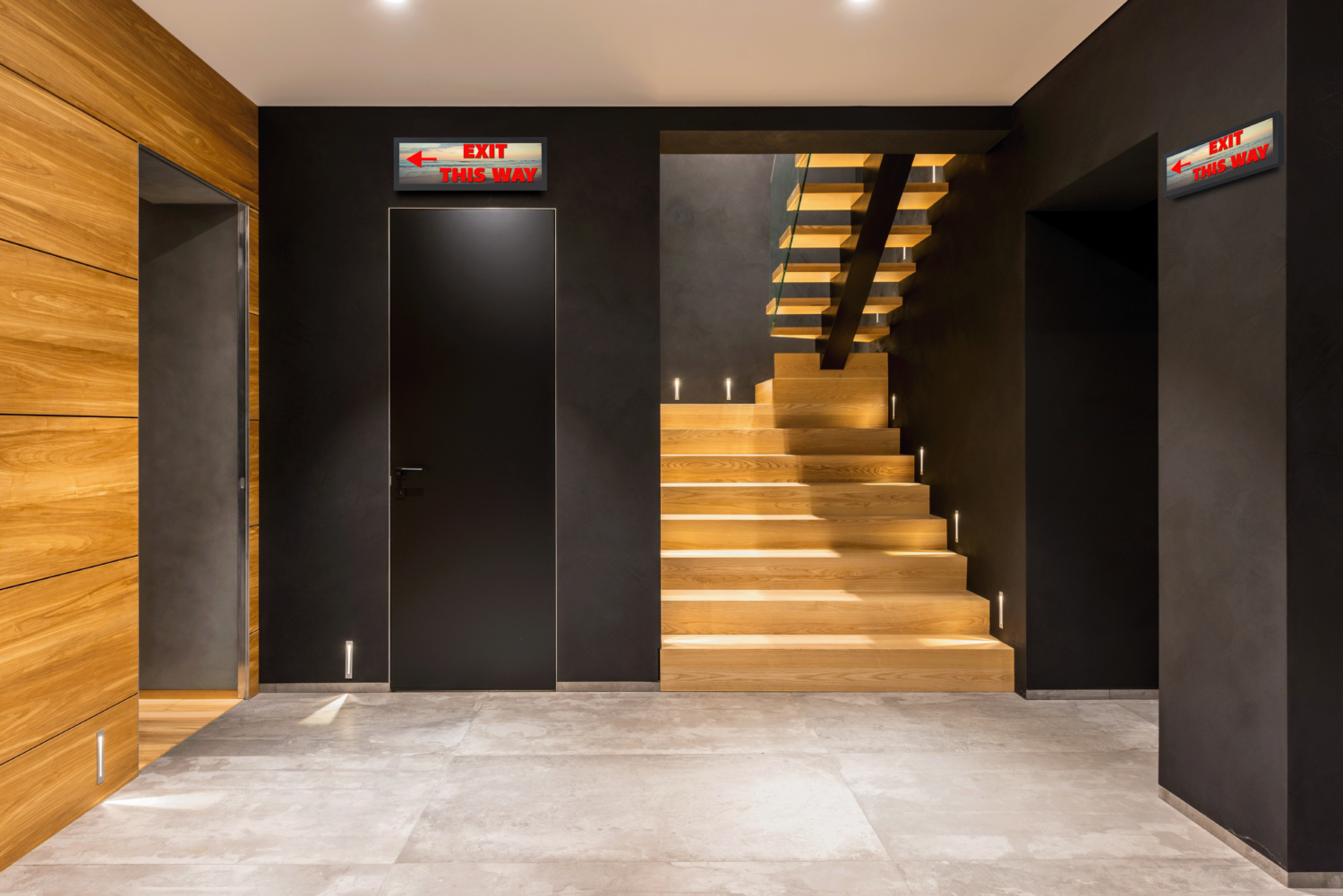
2. Match the display format to the location. Not every screen needs to be the same. Lobby displays tend to benefit from larger, higher-visibility panels that can communicate a building directory or welcome message at a glance. Hallway intersections and corridor signage are often better served by panoramic or stretch-format displays that fit the architecture without dominating it. Touch-enabled PoE monitors work well at dedicated wayfinding kiosks where visitors need to search for a specific room or person.
3. Plan your network infrastructure. A PoE++ capable switch or injector is required to power commercial displays properly. Map out cable runs from your switches to each planned display location and confirm that your network can handle the load. If your switch is backed by an uninterruptible power supply, your wayfinding system stays operational even during a power event — which matters especially in healthcare and campus environments.
4. Choose a content management system. Your CMS is what makes the system live and useful. Look for one that supports zone-based scheduling, so lobby displays can show different content than corridor signs, and that allows real-time updates across all screens from a single dashboard.
5. Mount, connect, and test. Since no electrical outlet is needed, PoE displays can mount cleanly on walls, pillars, and recessed surfaces without visible cabling. Once installed, walk your space the way a first-time visitor would. Check sight lines, ambient lighting, font legibility from distance, and whether the flow of screens actually guides someone from point A to point B without confusion.
What This Looks Like Across Different Environments
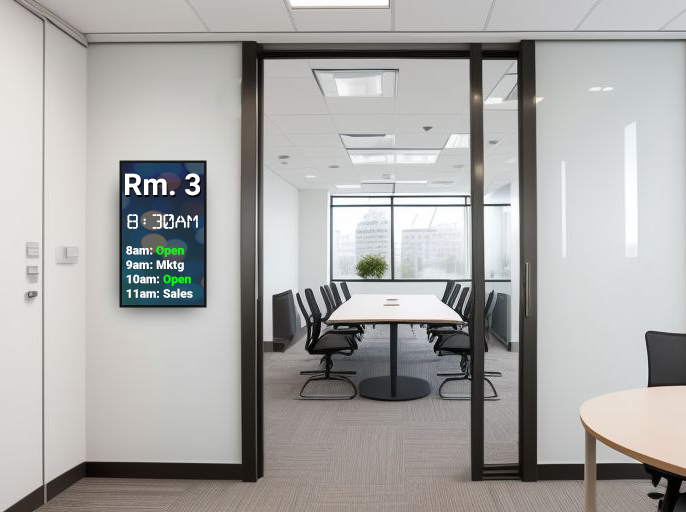
The same core infrastructure adapts to very different settings. In a corporate campus, power over ethernet monitors at building entrances and elevator banks can display floor directories, meeting room availability, and employee announcements. In a hotel, lobby displays greet guests with check-in information and event schedules, while hallway screens direct them to amenities, conference rooms, or exits.
Healthcare facilities benefit particularly from reliable, centrally managed wayfinding. Patients and family members navigating a large hospital are often stressed, and clear signage reduces the load on staff while improving the overall experience. Universities face a similar challenge during orientation weeks and high-traffic events, when large numbers of unfamiliar visitors need to move efficiently through buildings that regular students take for granted.
In all of these cases, the simplicity of PoE infrastructure makes it easier to deploy more screens, in better locations, at lower cost than traditional display installations.
Building Your System With GPO Display
GPO Display offers a full range of PoE displays built for exactly these kinds of environments, from touch-capable monitors and panoramic stretch screens to compact square LCDs that fit tight architectural spaces. All are TAA-compliant and rated for 24/7 operation, with no splitter required.
If you’re planning a wayfinding system and want guidance on which displays fit your space, our team is ready to help you design a solution that works.
Explore our PoE Display lineup or get in touch to talk through your project.