
Touchscreens for Lobbies, Classrooms & Command Centers
A touchscreen for hotel lobbies has almost nothing in common with a touchscreen in a 24/7 security operations center, and yet both are, at their core, the same category of product. That gap between “same category” and “same requirements” is exactly why choosing the right display comes down to understanding the environment it will live in, not just the screen size or resolution on a spec sheet.
At GPO Display, we build commercial-grade touchscreens that show up in a striking range of places: corporate lobbies, classrooms, retail counters, houses of worship, control rooms, and government facilities. Each of these settings puts different pressure on a display, and each one calls for different priorities in design.
The Lobby: First Impressions and Uptime
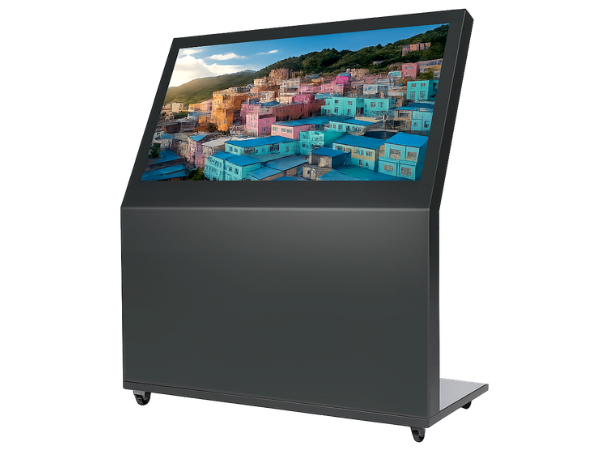
A lobby touchscreen is often the first interaction a visitor has with an organization. It needs to look polished, respond instantly to a tap, and never show a frozen screen or a visible cable running across the wall. Here, the priorities are aesthetics and reliability working together. A wayfinding kiosk or directory display has to blend into the architecture rather than fight it, which is why unbranded, clean metal housings matter as much as the panel itself.
Uptime matters too, but in a different way than in industrial settings. A lobby screen that goes dark for even a few minutes creates a bad impression during business hours. That is part of why PoE-enabled displays have become popular for this use case. Power and data run over a single Ethernet cable, which simplifies installation, reduces cable clutter, and makes it easier for IT teams to manage the display remotely, right alongside the rest of the network.
The Classroom: Durability and Simplicity
Classroom touchscreens live a harder life than almost any other deployment. They get tapped, tapped again, wiped down with disinfectant, occasionally bumped by furniture, and used for six or more hours a day during the school year. Durability isn’t a nice-to-have here, it’s the baseline requirement.
Simplicity matters just as much. Teachers need a display that works the moment they walk in, without a login screen, a startup delay, or a confusing menu. Touch response needs to be accurate and immediate for annotation and interactive lessons, and the panel needs to hold up to years of daily contact without drift or dead zones. Brightness is also a factor, since classrooms often have large windows and inconsistent lighting throughout the day.
The Command Center: Precision Under Pressure
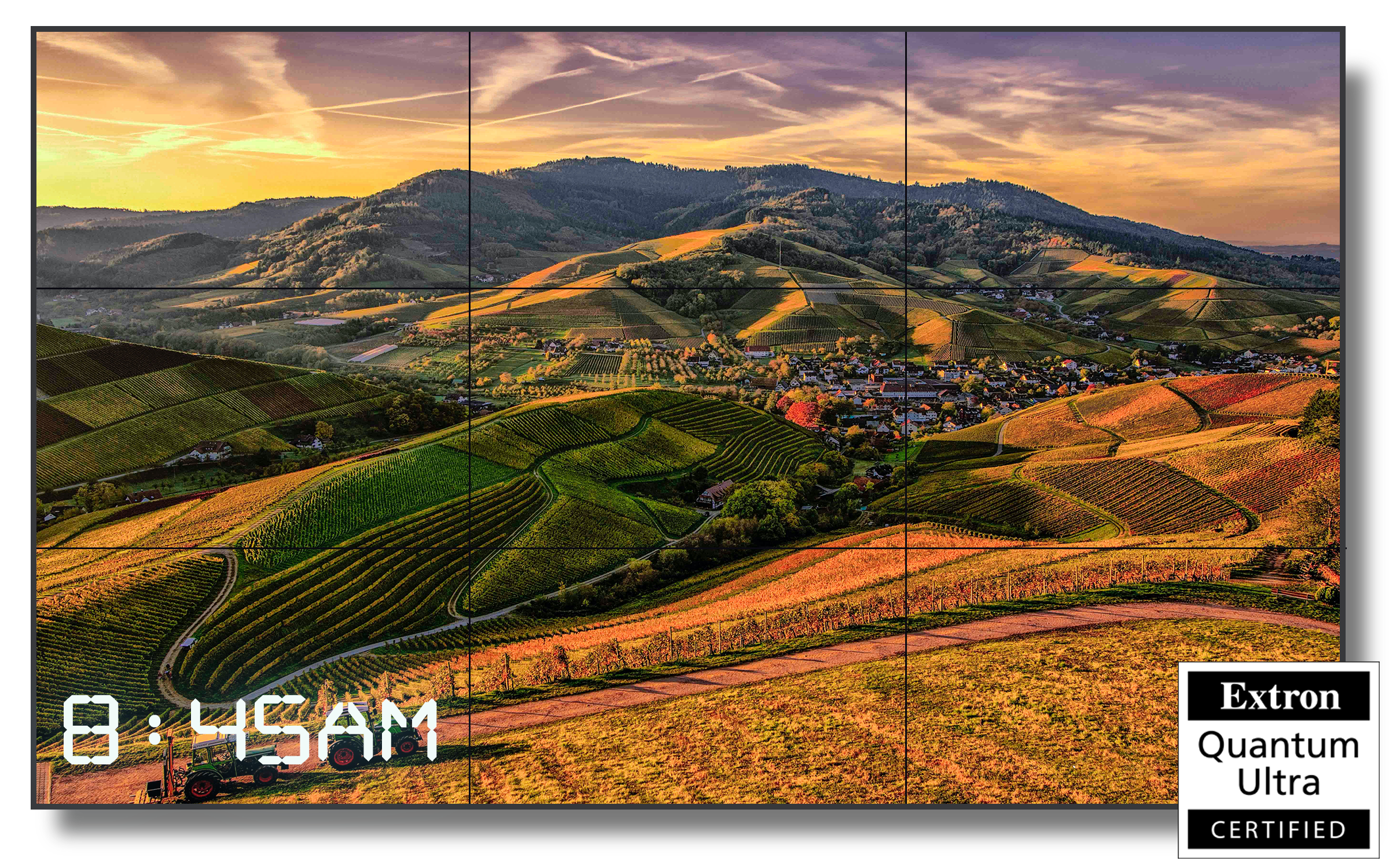
Move from a classroom to a control room and the requirements shift again, this time toward continuous operation and information density. Command centers, whether for security, transportation, utilities, or defense, run displays around the clock. These screens cannot afford scheduled downtime, and they often need to show high volumes of data with total clarity, sometimes across multiple synchronized panels forming a video wall.
In these environments, security itself becomes a design consideration. Many government and defense facilities require displays with no wireless connectivity of any kind, no RF, no near-field communication, nothing that could create an unintended data pathway. That is a very different standard than a retail kiosk, where connectivity is often a feature rather than a risk. Compliance also plays a role, since many public sector projects require TAA-compliant hardware and domestic assembly for supply chain assurance.
One Category, Many Requirements
What ties these environments together is that none of them can be served well by a single generic touchscreen. A display built for classroom durability would be overbuilt and unnecessarily expensive for a lobby directory. A display designed for lobby aesthetics would fail the security requirements of a control room. Matching the display to the deployment environment isn’t just about picking the right size, it is about understanding uptime expectations, connectivity requirements, physical durability, and even compliance standards before a single unit ships.
This is the thinking behind how GPO Display approaches every project. Rather than offering one display and asking customers to make it work, we build across PoE touchscreens, commercial monitors, video walls, panoramic displays, and secure-ready options specifically so that a lobby, a classroom, and a command center can each get a display engineered for how it will actually be used. All of our displays are assembled in Northern California, which gives government agencies, schools, and enterprises alike the same quality assurance and support regardless of where their project falls on that spectrum.
Commercial Touchscreen Displays | GPO Display Bay Area, SF
If you’re planning a deployment that spans more than one of these environments, whether that’s a school district outfitting classrooms and administrative lobbies, or a facility that needs both public-facing kiosks and a secure operations room, our team can help you think through the right display for each space rather than settling for one-size-fits-all hardware.
Reach out to GPO Display to talk through your project, from a single touchscreen to a full facility rollout.