
Touchscreen Displays for Higher Education: Classroom Control & Room Scheduling
Higher education campuses run on a tight, complicated schedule. Between packed lecture halls, shared classrooms, hybrid learning setups, and constant room turnover, IT and facilities teams need technology that keeps everything running smoothly. Touchscreen displays for classrooms are becoming a central part of that infrastructure, giving campuses a simple way to manage classroom control and room scheduling at the same time.
Simplifying Classroom Technology
Faculty shouldn’t need a training manual to start a lecture. Touchscreen displays put classroom controls in one place: adjusting audio, switching input sources, connecting a laptop, or launching a video conference. Instead of juggling remotes, cable boxes, and separate control panels, instructors can manage the whole room from a single interface. This cuts down on the tech delays that eat into class time and reduces the number of support calls IT departments field every semester.
For campuses running hybrid or blended courses, this matters even more. A touchscreen at the front of the room lets instructors move between in-person and remote instruction without breaking stride, keeping both groups of students engaged.
Room Scheduling That Actually Works
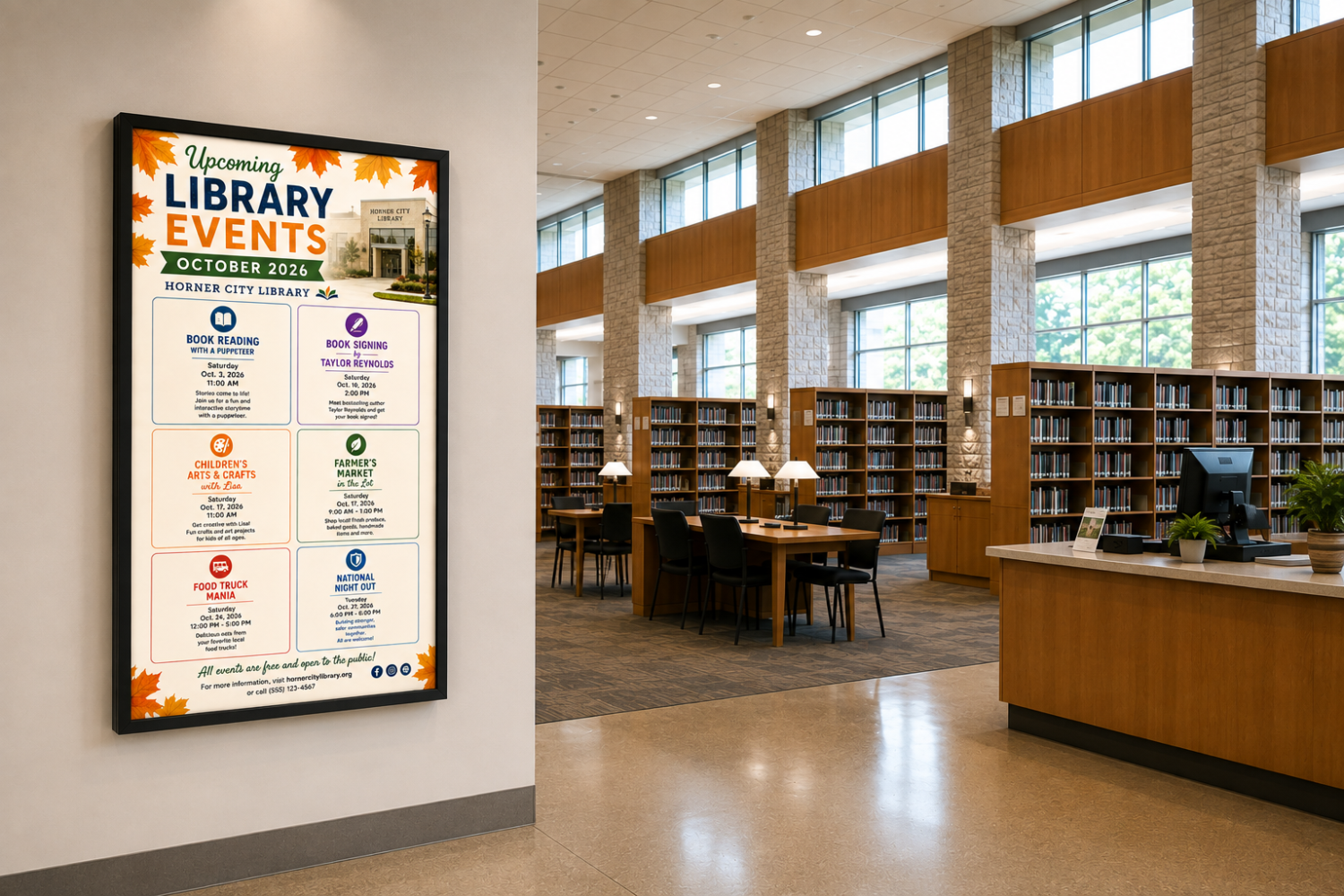
Beyond classroom control, touchscreen displays are also changing how campuses handle room scheduling. Mounted outside classrooms, conference rooms, and study spaces, these displays show real-time availability, upcoming bookings, and the ability to reserve a room on the spot. This eliminates the double bookings and scheduling confusion that come with outdated paper signage or disconnected calendar systems.
When integrated with campus scheduling software, these displays sync automatically, giving students, faculty, and staff accurate information without anyone needing to check a separate app or call facilities. It’s a small change that removes a surprising amount of daily friction across a busy campus.
Supporting IT and Facilities Teams
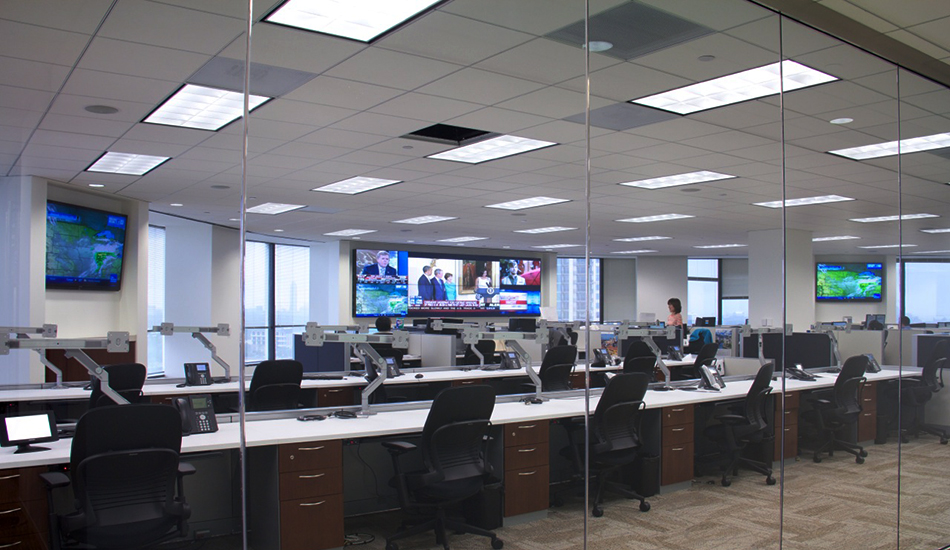
For the departments managing all of this, touchscreen displays offer centralized control and easier troubleshooting. Many systems can be monitored and updated remotely, meaning IT staff can push software updates, check device status, or resolve issues without physically visiting every classroom. This is especially valuable for large campuses with dozens or hundreds of rooms to manage.
Facilities teams benefit too, since accurate room usage data helps with space planning. Understanding which rooms are used most, and when, makes it easier to allocate resources and plan future renovations or expansions.
A Better Experience for Everyone
At the end of the day, touchscreen displays for higher education aren’t only about convenience. They create a more organized and efficient campus where instructors can focus on teaching, students can find the space they need, and administrative teams can manage resources with less guesswork.
As colleges and universities continue to modernize their facilities, touchscreen technology for classroom control and room scheduling is quickly becoming a standard expectation rather than a nice-to-have upgrade. Campuses that invest in this now are setting themselves up for smoother operations and a better experience for everyone who walks through their doors.